On this page
iPhone, age 13+: start with Welcome Suica Mobile or a new Suica in Apple Wallet. Overseas Android: plan on a physical card. Tokyo arrival, trip 28 days or less: physical Welcome Suica is simple. Kansai arrival: buy ICOCA. Longer stay or future return: regular Suica, PASMO, ICOCA, or a mobile card is better than the 28-day physical Welcome Suica.
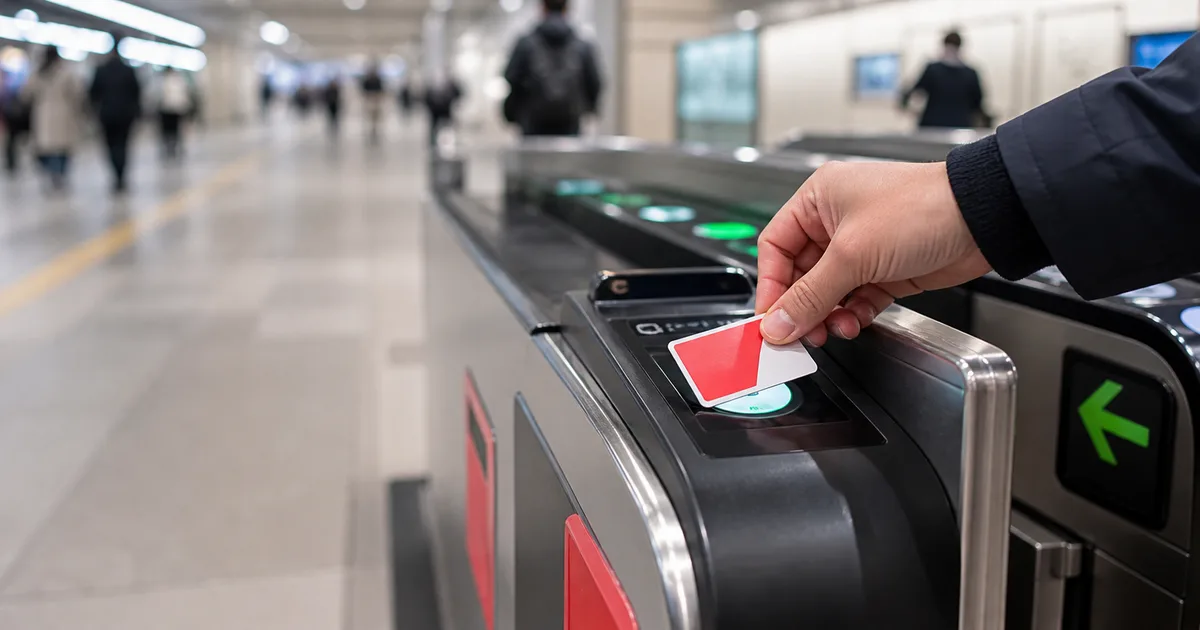
Suica is not a rail pass. It is rechargeable stored value that pays the exact fare when you tap in and out, then doubles as electronic money at convenience stores, vending machines, restaurants, and many coin lockers. PASMO, ICOCA, and the other major regional IC cards work in almost the same way and are interoperable across most large Japanese transit areas.
For visitors, the confusing part is no longer whether IC cards exist; it is choosing among regular Suica, physical Welcome Suica, Welcome Suica Mobile, Apple Wallet Suica, PASMO, and ICOCA. Their everyday tap experience is similar, but validity, refunds, purchase location, phone compatibility, and top-up method differ.
This guide uses JR East and Apple documentation and separates confirmed rules from practical fallback advice. General product information checked September 1, 2026; validity and child-card guidance rechecked October 7, 2026.
Quick Decision Table
| Your situation | Best first choice | Why | Main drawback |
|---|---|---|---|
| Supported iPhone, age 13+ | Welcome Suica Mobile | No pickup; 180-day validity; visitor-focused app | Non-refundable balance; country and card restrictions |
| Supported iPhone, wants a reusable card | New Suica in Apple Wallet | No physical card; Express Mode | Eligible payment card required; setup can fail |
| Overseas Android, Tokyo arrival | Physical Welcome Suica or regular Suica/PASMO | Reliable without Japanese mobile-FeliCa support | Physical top-ups are cash-only |
| Arriving at KIX/Osaka | ICOCA | Sold in JR West territory and works in Tokyo too | Refund must follow issuing-operator rules |
| Traveler under 13 | Physical IC card in the correct adult/child category | Avoids the mobile-app age restriction | Child-fare eligibility is a separate rule; bring passport/ID |
| Staying more than 28 days | Regular or mobile IC card | Avoids physical Welcome Suica expiry | Regular physical card has ¥500 deposit |
Do not spend hours optimizing the logo on the card. A Suica works in Osaka, an ICOCA works in Tokyo, and PASMO works on JR East local lines where the nationwide mutual-use system is accepted. Buy the convenient compatible card where you arrive.
Key Facts: Validity, Deposit, Top-Up, and Refund
| Product | Validity | Deposit | Top-up | Normal refund |
|---|---|---|---|---|
| Physical Welcome Suica | 28 days including purchase date | None | Japanese yen cash; maximum balance ¥20,000 | No |
| Welcome Suica Mobile | 180 days from issue | None | In-app/Apple Pay, subject to restrictions | No; balance expires |
| Regular physical Suica | Invalid after 10 years without use | ¥500 | Japanese yen cash; maximum balance ¥20,000 | Balance less ¥220 fee, plus ¥500 deposit |
| Suica in Apple Wallet | Mobile-card terms | None for a new mobile card | Eligible Apple Pay card | Follow current mobile terms |
The physical Welcome Suica's “GOOD THRU” printing on the back is not its travel-validity date. JR East says the actual card is valid for 28 days including the purchase date and becomes invalid on day 29. Keep the reference paper supplied at purchase; it records the validity period and any pass loaded onto the card.
Do not buy a physical Welcome Suica weeks before you need it. Its 28-day clock starts immediately at purchase, and a normal remaining balance cannot be refunded after the trip or at expiry.
Welcome Suica vs Regular Suica vs PASMO vs ICOCA
Physical Welcome Suica
This is JR East's visitor-oriented physical card. There is no deposit, so the full purchase amount becomes usable value. It works well for a short Tokyo-arrival trip when you want a card immediately and do not want to manage a refund.
The tradeoff is strict: only 28 days, no normal balance refund, and no reissue if lost. Start with a modest amount—often ¥2,000–¥3,000—then top up as needed rather than loading the ¥20,000 maximum.
Regular Suica
Regular Suica includes a ¥500 deposit. It remains usable until it has gone unused for 10 years, making it better for repeat visitors or trips longer than 28 days. When returned to the correct issuer, JR East deducts a ¥220 handling fee from the remaining balance and returns the ¥500 deposit. With a zero balance, the full ¥500 deposit is still returned.
Non-personalized Suica and PASMO sales officially resumed on March 1, 2025 after the chip shortage. Purchase locations and machine availability still vary, so do not assume every airport machine sells every card.
PASMO
PASMO is issued by participating private railway and bus operators in the Tokyo region. For ordinary visitor use, it is functionally interchangeable with Suica across the mutual-use network. PASMO PASSPORT, the former tourist product, was discontinued; a regular PASMO is the relevant physical alternative.
ICOCA
ICOCA is JR West's card and the sensible physical purchase at Kansai Airport, Osaka, or Kyoto. You do not need to replace it with Suica when traveling to Tokyo. The main operational difference appears at refund time: return an operator-issued card through that operator's supported locations and rules.
If your journey starts at KIX, follow the Kansai Airport transport guide rather than trying to find a Welcome Suica in JR West territory.
Where to Buy Physical Welcome Suica
JR East's current visitor page lists the following locations.
Airport machines and service centers
- Narita Airport Terminal 1 Station
- Narita Airport Terminal 2・3 Station
- Haneda Airport Terminal 3 (Tokyo Monorail) Station
Selected JR East Travel Service Centers
- Tokyo
- Shibuya
- Shinjuku
- Ikebukuro
- Ueno
- Yokohama
- Sendai
It also lists JAPAN RAIL CAFÉ TOKYO and the TAKANAWA GATEWAY Travel Service Center. Sales at Kashiwa, Kawasaki, Tachikawa, Ōmiya, Funabashi, Fukushima, and Niigata are marked temporarily halted on the current page. In principle, one Welcome Suica is sold per person.
Airport-specific steps are in our Haneda to Tokyo guide and Narita to Tokyo guide. If a counter is closed or a machine is unavailable, continue into the city with the airport ticket you already need and buy a regular compatible IC card later.
The partner option below may charge more than buying directly because it packages advance purchase or pickup convenience. Check the current pickup location, loaded balance, total price, and cancellation terms before paying. We may earn a commission from the link at no extra direct charge from JAPANODE.
 Optional convenience
Preloaded Welcome Suica Card
Why it may fit
Optional advance-purchase route for travelers who prefer a preloaded physical card and designated pickup. Compare the total price and pickup terms with buying directly from JR East.
Before booking
Check the live price, availability, eligibility, and terms before paying.
Welcome Suica Mobile on iPhone
Welcome Suica Mobile is a visitor-focused iOS app. It issues and tops up a Suica, offers train information and ticket functions, and keeps the IC card valid for 180 days from issue. The remaining balance is non-refundable and expires with the card.
JR East's current requirements and cautions include:
- The user must be at least 13 years old.
- The device must support Apple Pay; some iOS and watchOS versions are unsupported.
- Location information is used to determine whether value can be added.
- App download, issuance, or top-up can be restricted by law in some countries.
- You may need to wait until arriving in Japan to issue or add value.
The 180-day validity makes the app materially different from the 28-day physical Welcome Suica. It suits a long tourist trip or someone who wants to set up the card without visiting a station counter, provided their device and payment setup work.
Mobile setup benefits from connectivity for installation, payment verification, maps, and troubleshooting. Arrange data before arrival or use the airport network; our Japan eSIM comparison currently highlights Ubigi as the test-leading option while comparing coverage and setup tradeoffs across providers.
Add a Regular Suica to Apple Wallet
Apple supports Suica, PASMO, ICOCA, and TOICA transit cards in Apple Wallet on compatible devices. Its March 2026 guidance lists:
- an Apple Account signed in with two-factor authentication;
- a supported iPhone or Apple Watch with current compatible software;
- an eligible payment card in Apple Wallet.
On iPhone, open Wallet → Add (+) → Transit Card → choose a Japanese card → Add New Card, select the initial amount, and confirm payment. Express Mode turns on automatically for the first transit card, allowing a tap without opening an app or authenticating each ride.
Apple says iPhone 8/8 Plus or later and Apple Watch Series 3 or later support the listed Japanese transit cards, with additional earlier-model provisions for Suica. Check Apple's current model-specific page rather than assuming any phone with NFC works.
An eligible payment card can still be declined by the issuer or payment network. Try again after confirming device region, software, two-factor authentication, and card status. Do not delete a working card during a trip merely to troubleshoot; moving and restoring mobile transit cards has account and device requirements.
Android: Why General NFC Is Not Enough
Most Android phones sold outside Japan cannot use Mobile Suica. The relevant issue is support for Japan's mobile FeliCa/Osaifu-Keitai environment, not whether the phone can make generic NFC contactless payments.
A recent overseas Pixel, Galaxy, Xiaomi, or OnePlus may have NFC and Google Wallet but still lack the hardware certification or software configuration required for Japanese transit IC cards. Model names can differ by sales market, so a Japanese version and an international version of “the same” phone may behave differently.
Unless your exact device is confirmed compatible, plan to use a physical card. That is more reliable than discovering at the airport that an app cannot be installed or a card cannot be issued.
How to Top Up a Physical Card
JR East states that physical Suica and Welcome Suica top-ups are cash-only in Japanese yen. Credit cards cannot top up the physical card.
You can add value at:
- compatible ticket vending machines;
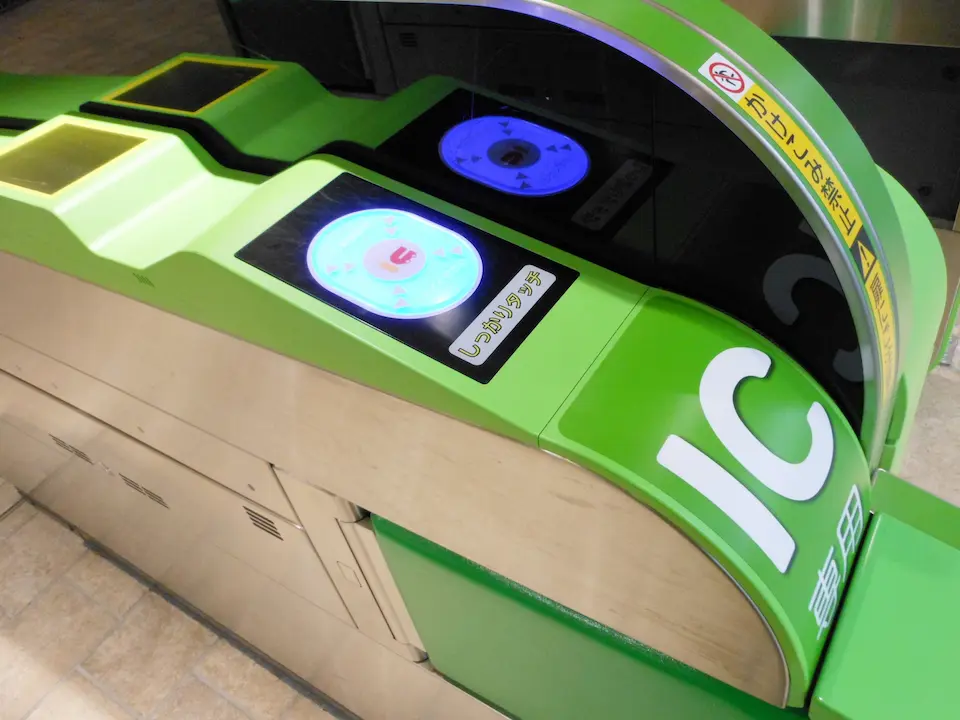
- multifunction and fare-adjustment machines showing the mutual-use mark;
- supported Seven Bank ATMs, including many in 7-Eleven stores;
- participating convenience-store counters where staff offer IC-card charging.
The maximum stored balance is ¥20,000. Regular Suica machines offer standard top-up increments such as ¥500, ¥1,000, ¥2,000, ¥3,000, ¥5,000, and ¥10,000; available buttons can vary by machine.
Start small. City transit fares are deducted ride by ride, and a few thousand yen is easier to use up than a large leftover balance. Keep some cash because rural transport, small businesses, and a broken or incompatible reader can still require it.
Where Suica Works—and Where It Does Not
Usually works
- JR local trains, subways, and participating private railways in major IC areas
- many city buses and some regional buses
- convenience stores, vending machines, restaurants, and shops showing a compatible IC logo
- many station coin lockers
- Kyoto and Osaka transit where ICOCA and the nationwide mutual-use system are accepted
Does not automatically cover
- every rural railway or bus;
- a continuous local-train journey crossing separate IC-card areas;
- limited-express, express, Green Car, or reserved-seat supplements;
- an ordinary Shinkansen trip without a separately purchased and correctly linked ticket;
- a ride when the card balance is insufficient and no adjustment is made.
JR East gives Tokyo-to-Sendai local travel as an example of an invalid cross-area tap journey. Buy the correct paper or digital ticket for long intercity travel. Our complete Japan train-system guide explains the division between base fare, limited-express fare, seat reservation, and IC payment.
An IC card and a JR Pass solve different problems. The IC card pays local transport; a pass or individual ticket covers qualifying intercity journeys. Use the JR Pass Calculator before buying a nationwide pass.
Refunds and Leftover Balance
Physical Welcome Suica
There is no normal refund, regardless of whether the card is still valid or how much balance remains. A separate malfunction procedure exists when the card itself fails and its 17-digit card number remains readable. Lost cards cannot be reissued.
Spend down the balance during the final days on transit, convenience-store purchases, vending machines, or participating restaurants. Do not wait until the airport gate, where a shop may not accept split payment or may be closed.
Welcome Suica Mobile
The balance is non-refundable and expires after 180 days from issue. Treat it like trip-specific value and top up in small steps.
Regular Suica
Return a JR East-issued Suica at a JR East supported station. The refund is:
remaining balance − up to ¥220 handling fee + ¥500 deposit
If the remaining balance is below ¥220, JR East deducts only that balance and still returns the ¥500 deposit. Cards issued by Tokyo Monorail or another company must follow that issuer's return process.
Children, Families, and One-Card-Per-Person Rules
Each passenger needs their own IC card; one card cannot tap several people through a gate for the same journey.
JR East sells Welcome Suica for children. Bring the child's passport or other ID for age verification. A family member can purchase it for the child with that ID, and a vending machine asks for the child's birth date. JR East says the child card can be used until March 31 after the child's 12th birthday.
Children under 13 cannot use Welcome Suica Mobile under its current app rules, but under 13 does not automatically mean eligible for child fares. JR East's fare categories generally treat ages 6–11 as children and ages 12+ as adults, with an exception for 12-year-old elementary-school pupils. Younger children have separate free-travel and seat-use rules.
For a physical child Welcome Suica, follow the card's specific age and validity rules: it cannot be used after the first March 31 following the child's 12th birthday. Ask staff to check the passport and issue the appropriate adult or child card. The app's age restriction and the railway's child-fare rules are different.
Common Mistakes to Avoid
- Loading ¥20,000 immediately. Maximum capacity is not a recommendation, especially on a non-refundable product.
- Buying physical Welcome Suica too early. The 28 days include purchase day.
- Assuming overseas Android NFC equals Mobile Suica. It usually does not.
- Trying to top up a physical card by credit card. Bring yen cash.
- Using one card for two travelers. Each person needs a separate tap history.
- Expecting IC value to include a limited-express seat. Buy the supplement or reservation separately.
- Tapping across separate IC areas. Use a proper intercity ticket.
- Throwing away the Welcome Suica reference paper. Keep it available during the validity period.
- Waiting until the final airport minute to spend the balance. Use it down gradually.
Official Sources Used
- JR East: Welcome Suica Purchase, Top-Up, Validity, and Refunds
- JR East: Welcome Suica Coverage and Use
- JR East: Regular Suica
- JR East: Welcome Suica Mobile
- JR East/PASMO: Resumption of Non-Personalized Card Sales
- Apple Support: Add a Transit Card to Apple Wallet in Japan
Sales locations, app compatibility, and payment-card acceptance can change. Recheck the official pages shortly before travel and keep a physical card or cash fallback when a failed mobile setup would disrupt your arrival.
Make it your trip
Still planning your Japan trip?
Pick the question on your mind. Compare your options, check the details and take one more thing off your list.
Would a JR Pass save you money?
Add your train journeys and compare individual tickets with the nationwide pass. See which costs less for your route.
Calculate my rail costs
Which eSIM fits your Japan trip?
Maps, messages, hotspot use: compare five providers by data allowance, network and plan limits before you choose.
Find my Japan eSIM
How much can you fit into one week?
Connect Tokyo, a Fuji or Hakone day trip, Kyoto and Osaka with a day-by-day route, travel costs and booking advice.
Explore the 7-day routeFrequently Asked Questions
Yes. Sales of non-personalized regular Suica and PASMO cards resumed on March 1, 2025. Visitors can also buy physical Welcome Suica at designated JR East locations including Narita Airport, Haneda Terminal 3, and selected major stations. Availability can vary, so check JR East before travel.
Physical Welcome Suica has no ¥500 deposit, is valid for 28 days including purchase day, and offers no refund of a normal remaining balance. Regular Suica includes a ¥500 refundable deposit, stays valid unless unused for 10 years, and can be returned to the issuing operator for a balance refund minus a handling fee.
Yes, Suica and Welcome Suica work on most ICOCA-compatible trains, subways, buses, and participating shops in Kyoto and Osaka. They do not work on every rural route and cannot be used for one continuous local-train journey that crosses separate IC-card areas. If you arrive at Kansai Airport without a card, ICOCA is the practical local equivalent.
Apple supports adding Suica, PASMO, ICOCA, or TOICA to Apple Wallet on supported iPhone and Apple Watch models. You need two-factor authentication and an eligible payment card in Wallet. Card acceptance and setup can still fail, so keep a physical-card and cash fallback.
Most Android phones sold outside Japan do not support Japan's required mobile FeliCa/Osaifu-Keitai environment, even when they have general NFC. Overseas Android users should normally plan on a physical Suica, PASMO, Welcome Suica, or ICOCA.
No. JR East states that physical Suica and Welcome Suica top-ups use Japanese yen cash, not credit cards. Top up at compatible station machines, fare-adjustment machines, or supported Seven Bank ATMs. Mobile cards use Apple Pay, subject to device, card, and country restrictions.
No normal refund is available for physical Welcome Suica, regardless of validity or remaining balance. Welcome Suica Mobile balance is also non-refundable and expires after 180 days. Load conservatively and spend the remainder before leaving. A separate malfunction process exists for a faulty physical card.

Written by
JAPANODE
Based in Japan, sharing real travel tips & local insights for visitors. Follow us on Instagram @thejapanode for daily Japan content.
You Might Also Like
 Transportation
Haneda Airport to Tokyo in 2026: Monorail, Keikyu, Limousine Bus & Taxi
12 min read
 Transportation
Narita Airport to Tokyo in 2026: Skyliner, N'EX, Bus & Taxi
22 min read
 Transportation
KIX to Osaka, Kyoto & Kobe: 2026 Transport Comparison Guide
16 min read
ConnectivityBest eSIM for Japan 2026: 5 Providers Compared
20 min read
 Transportation
The Complete Guide to Japan's Train System for First-Time Visitors
16 min read